The short version of everything.
Is it safe to let it use my browser?
You watch every step as it happens, and you can stop it at any moment with one click. The instant you use the page yourself, it pauses and waits for you.
Do I need to know anything technical?
Nope. You describe what you want in plain words — "fill this form", "compare these three pages" — and it figures out the rest.
What does the free plan include?
Bronze gives you the browser sidekick itself — the agent on your current tab, web search, subjects, chats, notes and sync between the extension and the web app — running on the Standard AI, with one usage allowance per 5-hour window. No card required.
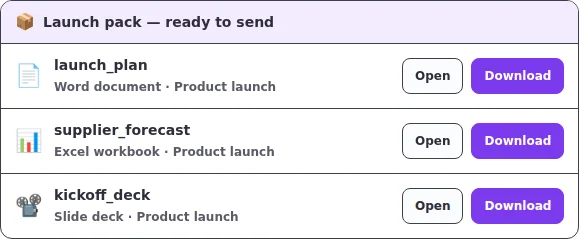
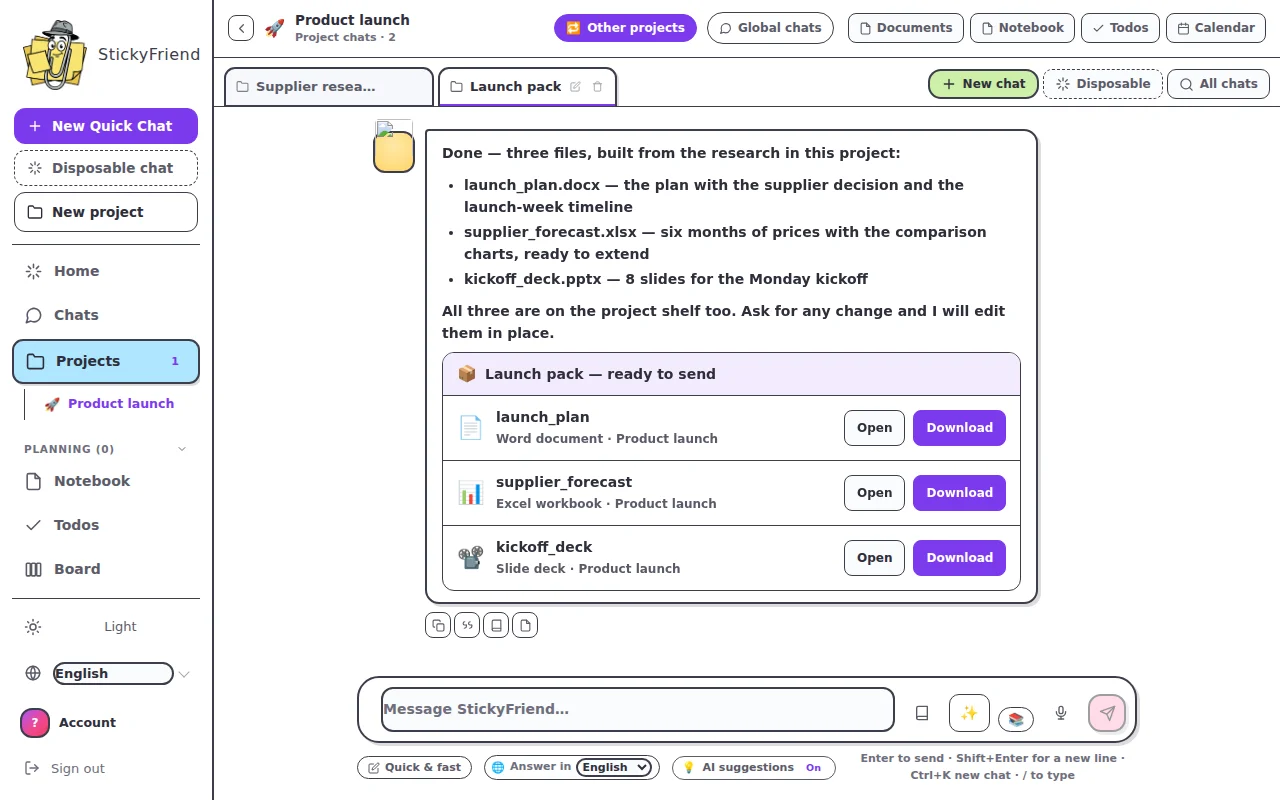
Four things are not in Bronze, and they're blocked on our server rather than just hidden: the ✨ Smarter AI (Bronze gets no golden credits and can't spend any), downloadable file deliverables (Word, Excel, PowerPoint), Guidelines, and 📚 Libraries. Those start at Silver.
What is a 📚 Library?
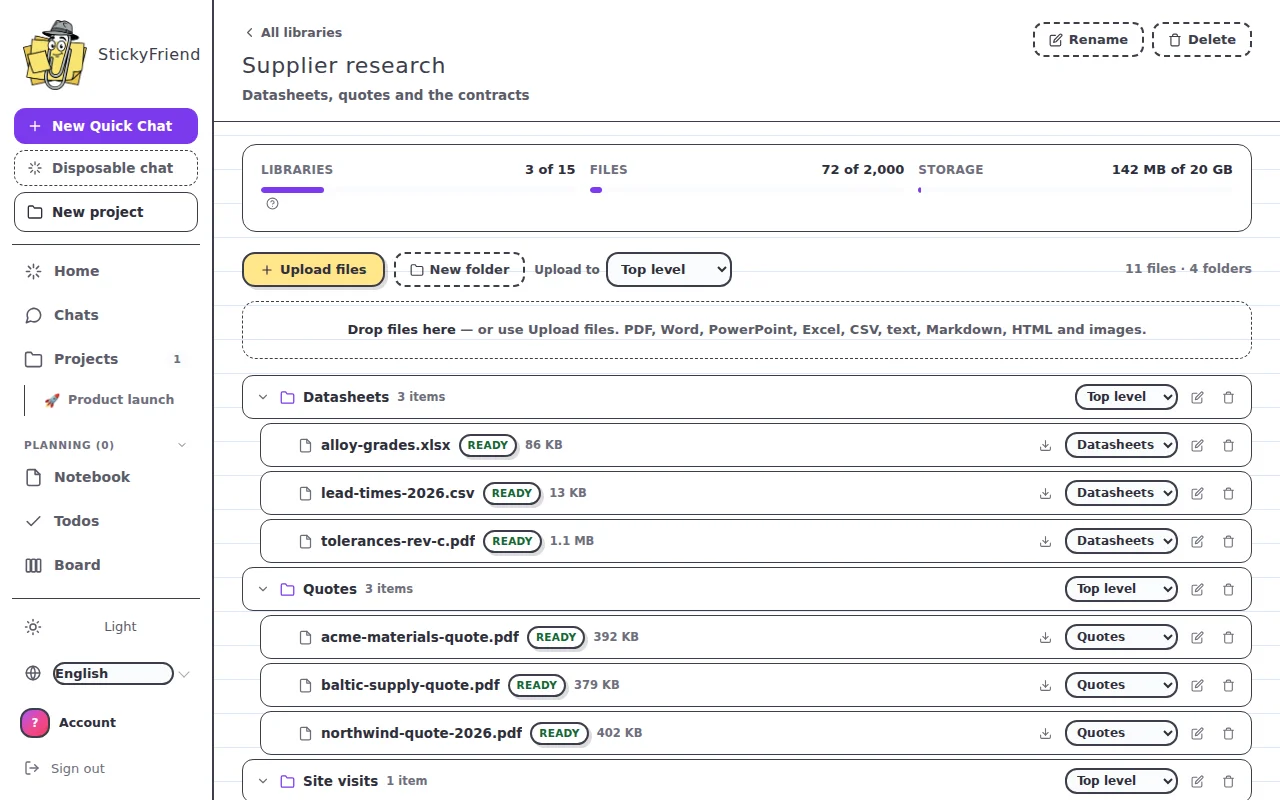
It's your own documents, kept where your AI can read them. Upload contracts, specs, research, spreadsheets or notes; StickyFriend reads each file, indexes it, and from then on any chat you point at that library can search it and quote from it — telling you which file the answer came from, so you can check it.
You organise files into folders, and each conversation picks which libraries it may read. A chat with none selected reads nothing of yours and costs nothing extra; that's the default.
Libraries are a paid feature. Silver gets 3 libraries, 200 files and 2 GB. Gold gets 15 libraries, 2,000 files and 20 GB. Diamond gets 50 libraries, 10,000 files and 50 GB. Bronze has no access at all.
Can it read scanned documents and images? (OCR)
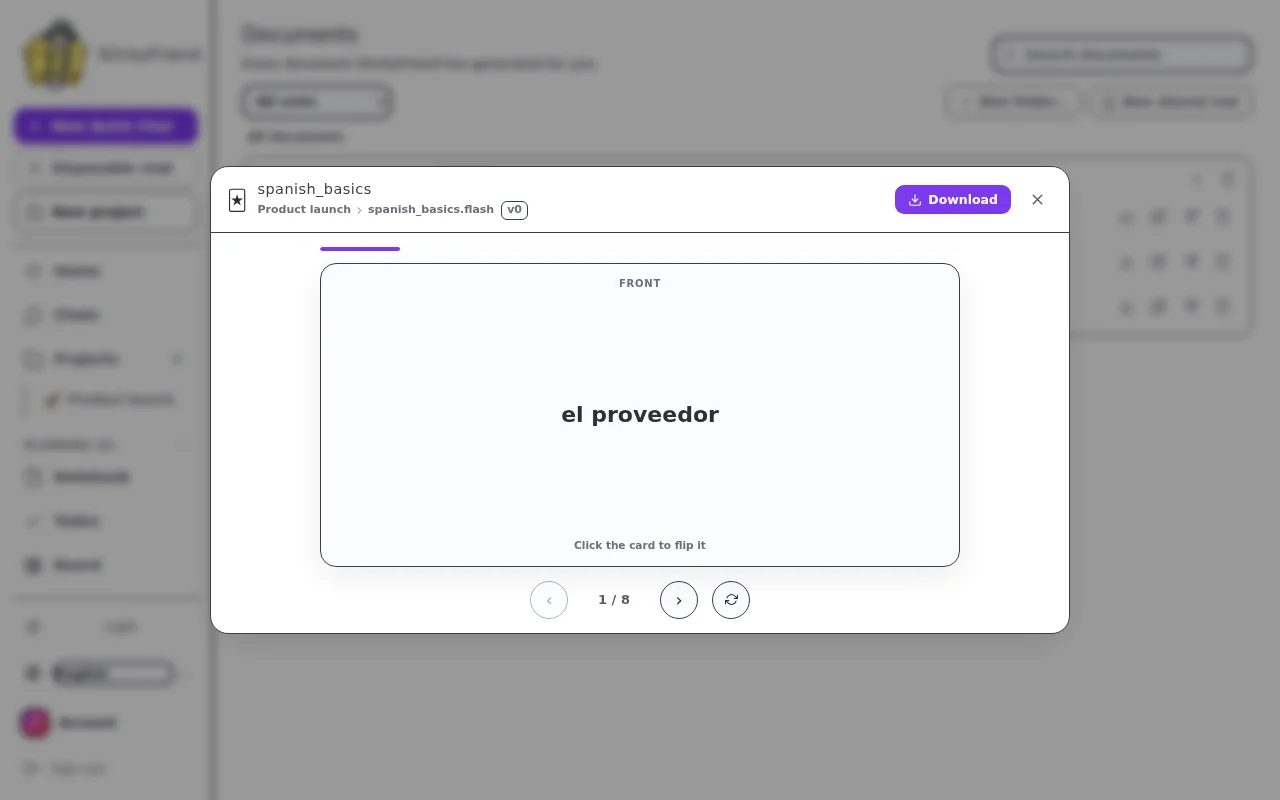
On Gold and Diamond, yes. Those plans run OCR, so scanned PDFs, photographs of pages and plain images are read as well as ordinary files.
Slide decks do not need OCR and never did. A .pptx or .ppt is read as text on every library plan — slide text, table cells and speaker notes, one slide at a time — and OCR is only called for an individual slide that turns out to be a picture with no text on it. If you have presentations to put in a library, Silver reads them.
Silver is text extraction only. If a file has no readable text layer — a scan, a photo, an image-only PDF — Silver will not quietly add it as an empty document: the upload is refused, or the file is marked Failed with the reason on screen and the upgrade named. We would rather tell you than leave you asking a library about a document it never actually read.
OCR is the most expensive step in the pipeline (a model call per page or image), which is why it's a capability of the bigger plans rather than something metered in small amounts.
What if I hit the usage limit?
Then you wait for the reset — and it's worth knowing exactly how that works, because the window is fixed, not rolling. It starts the moment you first use the Standard AI and runs for five hours; everything you spend in that time comes out of one allowance. When the five hours are up, the whole allowance comes back at once. Nothing trickles back in between, so if you burn it all in the first ten minutes you're waiting out the rest of the window.
The meter under your chat shows exactly where you stand and counts down to the moment it reopens. Paid plans multiply the size of that allowance — they don't shorten the window — and their ✨ Smarter AI (golden credits) keeps working the whole time, including while the Standard window is closed.
How do golden credits actually work?
Golden credits are the currency for the ✨ Smarter AI, and they're not one-per-reply. A short answer costs about one credit; a bigger one costs several, because a credit tracks the work in the reply — what the model writes counts about five times as much as what it reads.
Your plan's credits arrive monthly, plus a small daily top-up, and unused ones do roll over. There is a ceiling, though: plan credits stop topping up once you're holding two months' worth — 600 on Silver, 3,000 on Gold, 6,000 on Diamond — and the daily top-up stops there too. Nothing is confiscated when you reach it; the top-ups just pause until you've spent back below.
Credits you buy in a one-off pack (Mini $5 / 100, Mid $20 / 500, Maxi $60 / 2,000) are separate: they sit on top, don't expire, aren't capped, and are only spent once your plan credits have run out — so a pack raises the total you can hold instead of switching your monthly grant off. Packs are for subscribers only, since ✨ Smarter is a paid-plan feature and there'd be nothing on Bronze to spend them on.
Do the pricier plans answer faster?
On the Standard AI, no — every plan, Bronze included, is answered by the same self-hosted model, and there is no fast lane. Paid plans buy a bigger allowance, not a shorter wait.
On the ✨ Smarter AI, yes, and only in one place: Gold and Diamond send their Smarter requests to our Smarter provider flagged as priority, while Silver sends them as standard. That's the one queue we sell, and it's the only difference in how a reply is produced anywhere in the product. Gold and Diamond share the exact same priority queue — Diamond does not get a faster one than Gold — and the model itself is identical on all three.
Can I use it away from my browser?
Yes — the web app has all your same conversations and screenshots, readable from anywhere. Actions on live pages happen in the browser, and it'll gently point you there when needed.
What is a disposable chat?
A chat that is destroyed the moment you leave it. It is never filed into a subject, never indexed, and nothing from it is added to what StickyFriend remembers about you. Use it for the quick question you do not want kept — and use a normal chat when you want the thread back tomorrow.
Can it really analyse data, or just talk about it?
It computes. Tables are extracted from the page or file, then transformed, combined and charted in a sandboxed Python environment — so a total is a total, not a guess that reads like one. You can ask for the result as a chart, a table, or a styled Excel workbook you can open and keep working in.
What is the Python sandbox for?
The jobs that need computing rather than describing: reshaping a messy spreadsheet, converting between formats, running a calculation across thousands of rows, and building the files you download. It runs isolated, on your material only, for that one request.
Does it remember me? Can I switch that off?
It keeps what helps it work with you — your preferences, your goals, decisions you have already made — so you are not re-explaining yourself every session. Every item shows where it came from, you can delete any one of them, and you can turn the whole thing off. Off means nothing new is written down.
Can it sort out my bookmarks?
Yes. Import them and it groups them by topic, flags the ones that no longer resolve, and files the useful ones into the subject they belong to — where they become sources it can read and cite, instead of a folder you never open.
 STICKYFRIEND working…